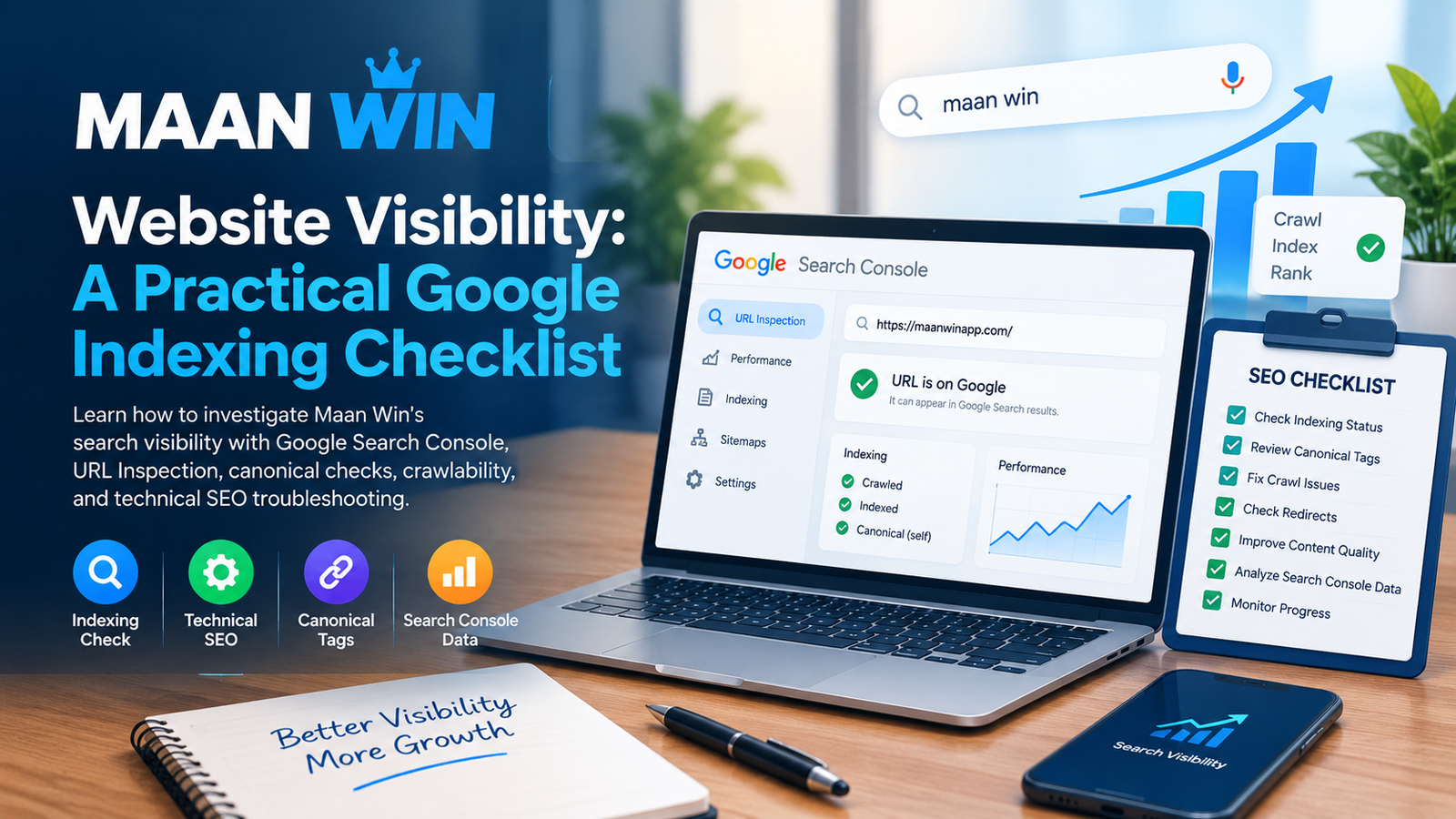
When a website loses search visibility or some of its pages stop appearing in Google, the first step is to investigate the evidence rather than make repeated content changes. Indexing, crawling, canonical selection and ranking are different processes, and each requires a different diagnosis.
This guide uses Maan Win as the subject of a practical website visibility checklist. It explains how a site owner can investigate search visibility changes using Google Search Console and standard technical SEO checks. The actual cause of any visibility change must be confirmed from the website's own data.
1. Check Whether the Homepage Is Indexed
Start with the exact homepage URL. Open Google Search Console, select the correct property and use URL Inspection to examine the URL. Review the last crawl, indexing status, crawl permission, user-declared canonical and Google-selected canonical when available.
A URL that is not indexed may have a technical or quality-related issue, but the status alone does not identify the cause. Run the live URL test where appropriate and review the explanation displayed by Search Console before changing the page.
2. Review Important URLs Individually
Do not assume that every page has the same problem. Inspect the homepage, important landing pages and any URLs that previously received organic traffic. Record which URLs are indexed, which are excluded and the reasons Search Console reports.
If only a small group of URLs has disappeared, investigate those pages and their internal links before making site-wide changes.
3. Verify Canonical Tags and Redirects
Each indexable page should have a consistent preferred URL. Check for accidental canonical tags pointing to another page, redirect chains, HTTP and HTTPS differences, and inconsistent www or non-www versions. Internal links and sitemap URLs should generally point to the preferred canonical versions.
Do not change canonical tags simply to force a ranking result. They should reflect the genuinely preferred version of duplicate or similar URLs.
4. Check Robots Directives and HTTP Responses
Confirm that important pages return a successful HTTP response and are not unintentionally blocked by robots.txt or a noindex directive. Check page templates, server rules and recent deployments for accidental changes.
A sitemap can help Google discover preferred URLs, but submitting a sitemap does not guarantee that those URLs will be indexed. Fix the underlying issue first, then validate the relevant URLs.
5. Compare Search Console Performance Data
Use the Search results report to compare a recent period with an equivalent previous period. Review clicks, impressions, average position, queries and landing pages. Separate brand searches from non-brand searches to understand whether the change affects the whole site or specific search terms.
Average position is an aggregate metric, not a fixed ranking for every user. Search results can vary by location, device, query wording and time.
6. Improve Content for Real Visitors
Review affected pages for original information, clear page purpose, accurate descriptions and useful navigation. Remove repetitive paragraphs, unsupported promises and sections that add no meaningful value. Make sure titles and headings accurately describe what visitors will find on each page.
For a Maan Win-related page, describe only features, services and details that can actually be verified. Do not publish claims about official status, safety, payments, downloads or availability without reliable evidence.
7. Review Changes Before Requesting Reindexing
Keep a record of recent content edits, URL changes, template deployments and server configuration changes. If a specific problem is confirmed, correct it and test the affected page. Then use URL Inspection to request recrawling when appropriate.
Repeatedly requesting indexing without fixing a problem does not make a page rank higher. Recrawling and indexing can take time, and neither guarantees a particular position.
8. Build a Measurable Recovery Plan
- Record the affected URLs and their current indexing statuses.
- Export Search Console performance data before making major changes.
- Fix confirmed crawl, canonical, redirect or noindex problems.
- Improve thin or repetitive content where there is a genuine user need.
- Monitor indexed pages, impressions, clicks and landing-page trends over time.
Final Thoughts
Search visibility problems are best approached through evidence-based troubleshooting rather than rapid, repeated edits. A structured review of Google Search Console, technical accessibility, canonical signals and page usefulness can help identify the next appropriate action.
This checklist is educational and does not establish the current indexing status or ranking position of Maan Win. Those findings must be verified from live URLs and the relevant Search Console property.
Further reading: Google's guide to helpful, reliable, people-first content and Google Search Console Help.